Boards overview
Boards are Morgue's infinite-canvas moodboards. Pull in your saved assets, add text and notes, connect related items with arrows, and draw on the canvas — all in one space you can pan and zoom freely.
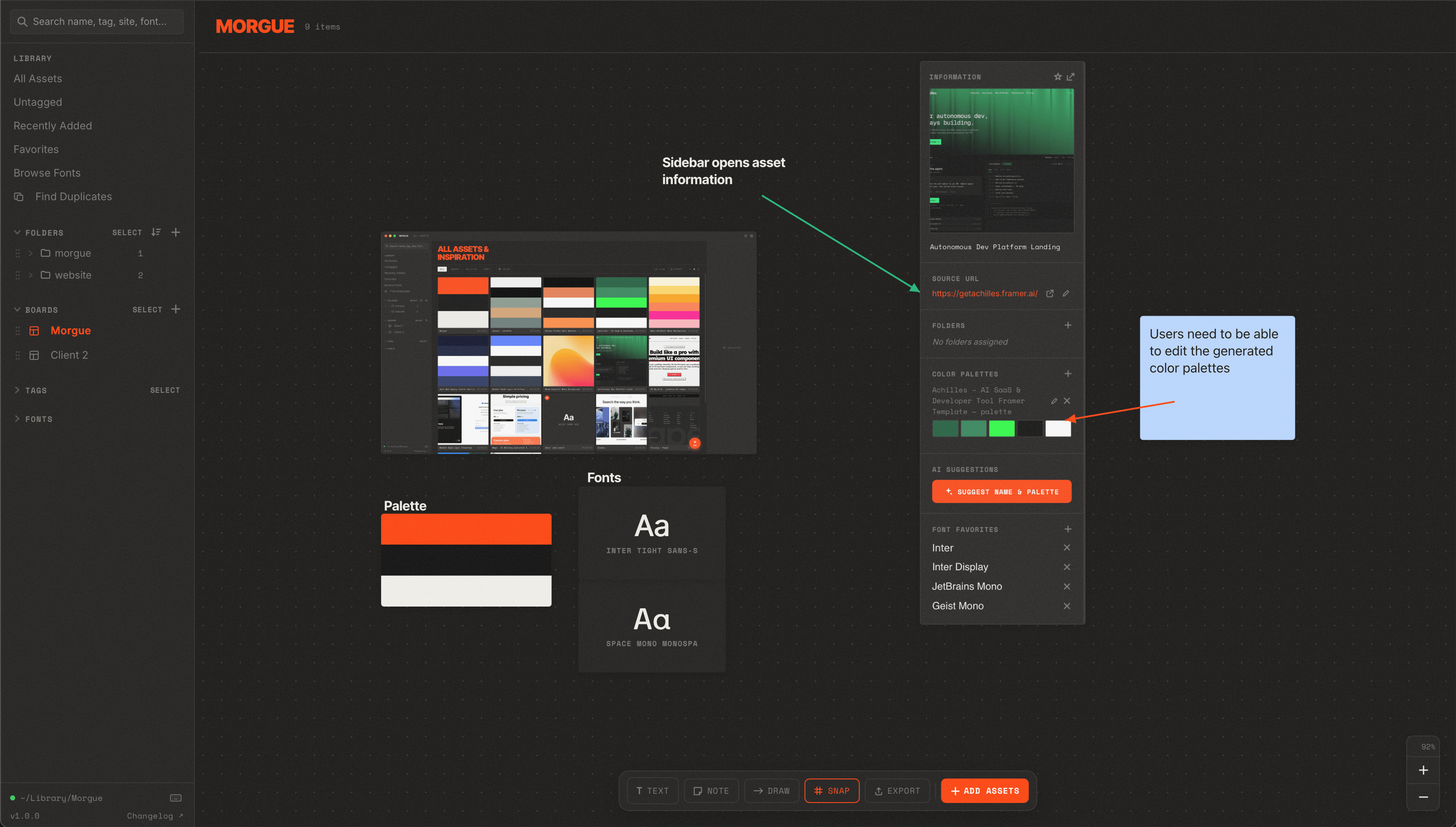
What boards are for
- Assembling a moodboard for a project or pitch.
- Mapping out relationships between references (this inspired that).
- Collecting everything for a client or concept on one canvas.
Anatomy of the canvas
| Element | What it is |
|---|---|
| Items | Assets, text, and notes placed on the canvas. |
| Connectors | Arrows/lines between items (or free-drawn lines). |
| Toolbar | Actions for the current selection — connect, draw, layer order, text size. |
Navigating
- Pan by dragging the empty canvas.
- Zoom with your trackpad / scroll wheel (zoom centers on the cursor).
- Marquee-select by dragging a box across multiple items.
Next
- Put things on the board → Adding items
- Link them up → Connecting items
- Draw and manage stacking → Free-draw & layers
- Start from a layout → Board templates