Capture modes
Morgue gives you three ways to capture a page, depending on whether you want what's on screen, the whole page, or just a slice.
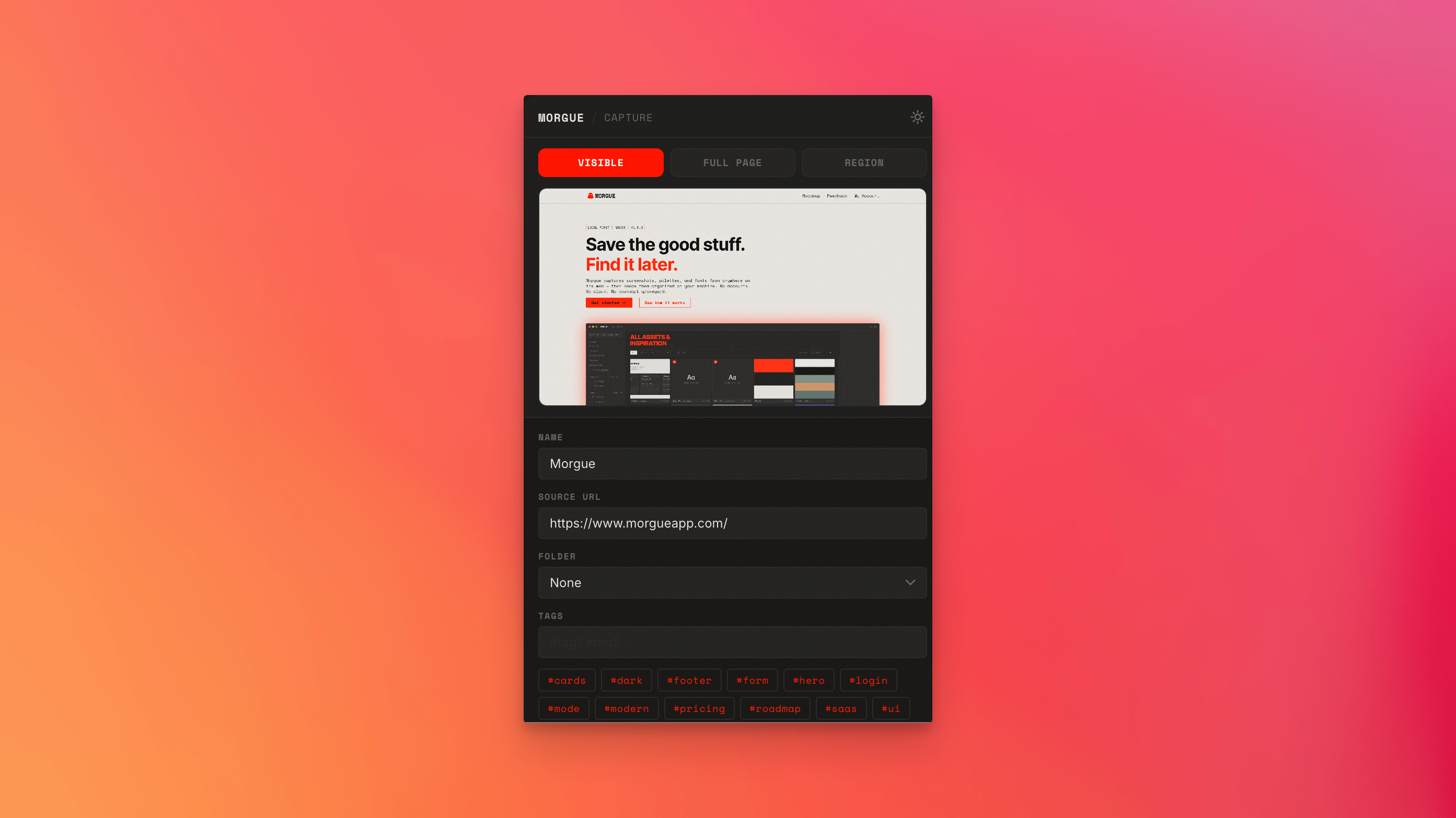
Visible screen
Captures exactly what's currently visible in the browser viewport — what you can see without scrolling.
- Best for: a hero section, a specific above-the-fold layout, a single state you have on screen.
Full page
Captures the entire page top to bottom, including everything below the fold.
- Best for: full landing pages, long-form layouts, capturing a whole design in one image.
- Note: very long pages produce tall images — great for reference, large in size.
Region
Lets you draw a box around just the part you want, and captures that region.
- Best for: a single component, a button, a card, a piece of type — anything where you want the detail without the surrounding page.
Reach for Region when you're collecting components and Full page when you're collecting whole designs. Visible screen is the quick grab for "what I'm looking at right now."
What happens after capture
However you capture, Morgue automatically pulls the page's fonts and color palette along with the image — see Auto-extracted fonts & colors — and drops it into your All Assets grid, ready to organize.