Managing devices
Everything about the device you're on lives under Settings → License.
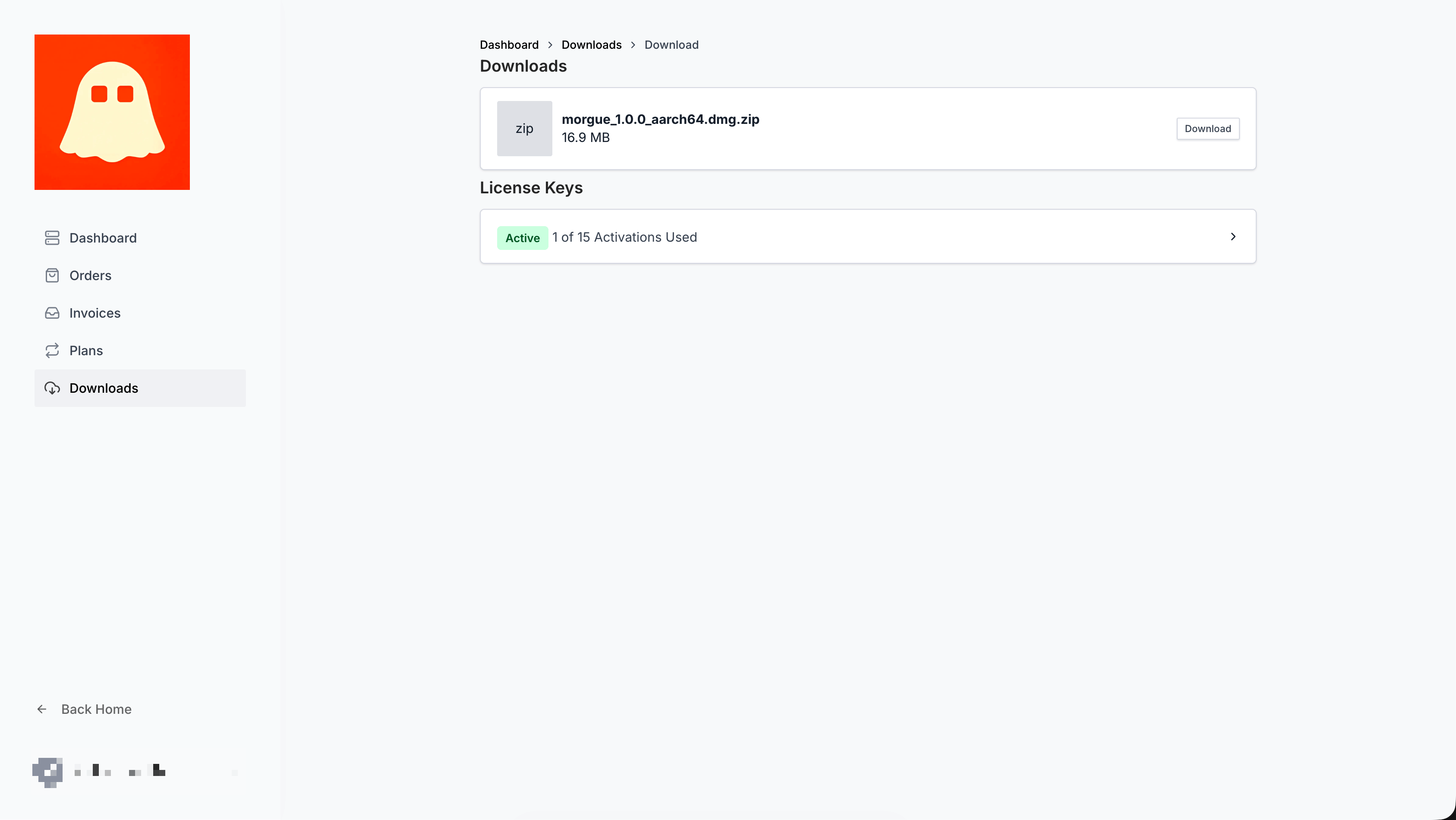
Viewing your device
Settings → License shows:
- Your plan.
- The device name registered for this Mac.
- Your license status (Active once the seat is registered).
Renaming a device
Give this Mac a recognizable name so your device list stays readable:
- Go to Settings → License.
- Click Rename next to the device.
- Enter a new name. It updates on your license.
Freeing a seat
If you're at your plan's device limit, free a seat by deactivating a machine you no longer use.
- Deactivating from Settings → License → Deactivate this device releases that device's seat.
- The deactivated device locks and will ask for a key again next launch.
Export before you deactivate
Deactivating locks the app on that machine. Your data isn't deleted, but if you're switching machines, take an export backup first so you can carry your library over. See Moving to a new computer.