Organizing overview
Saving references is easy. Finding them three months later is the hard part — and it's what Morgue's organizing tools are built for.
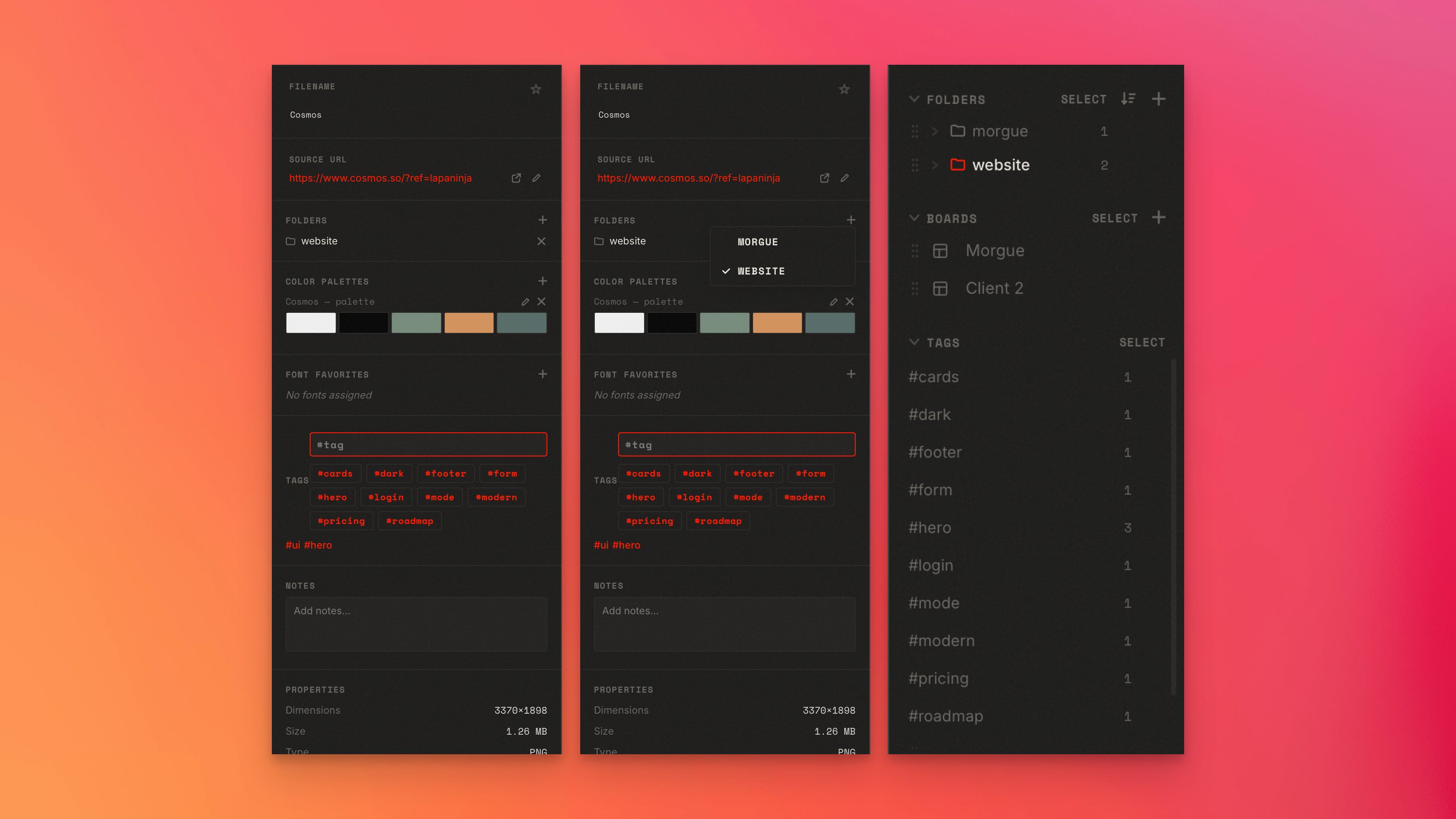
The two ways to group
| Tool | Think of it as | Example |
|---|---|---|
| Folders | Where something lives (one place, nestable) | Clients → Acme → Logos |
| Tags | Labels that cut across folders (many per asset) | #hero, #pricing, #dark-mode |
A capture lives in a folder but can carry as many tags as you like. Use folders for structure, tags for themes.
Finding things fast
- Search by name, tag, site, or font.
- Color search — find every asset that contains a particular color, with adjustable tolerance.
Keeping it clean
- The Duplicate finder scans your library for duplicate images so you can clear them out.
- Multi-select + bulk actions let you tag, move, or delete many assets at once.
Next
Start with Folders, then Tags, then make it all findable with Search & color search.