Palettes & fonts overview
Color and type are first-class citizens in Morgue, not afterthoughts on a screenshot. Every capture brings its palette and fonts along — and you can build, copy, and browse them directly.
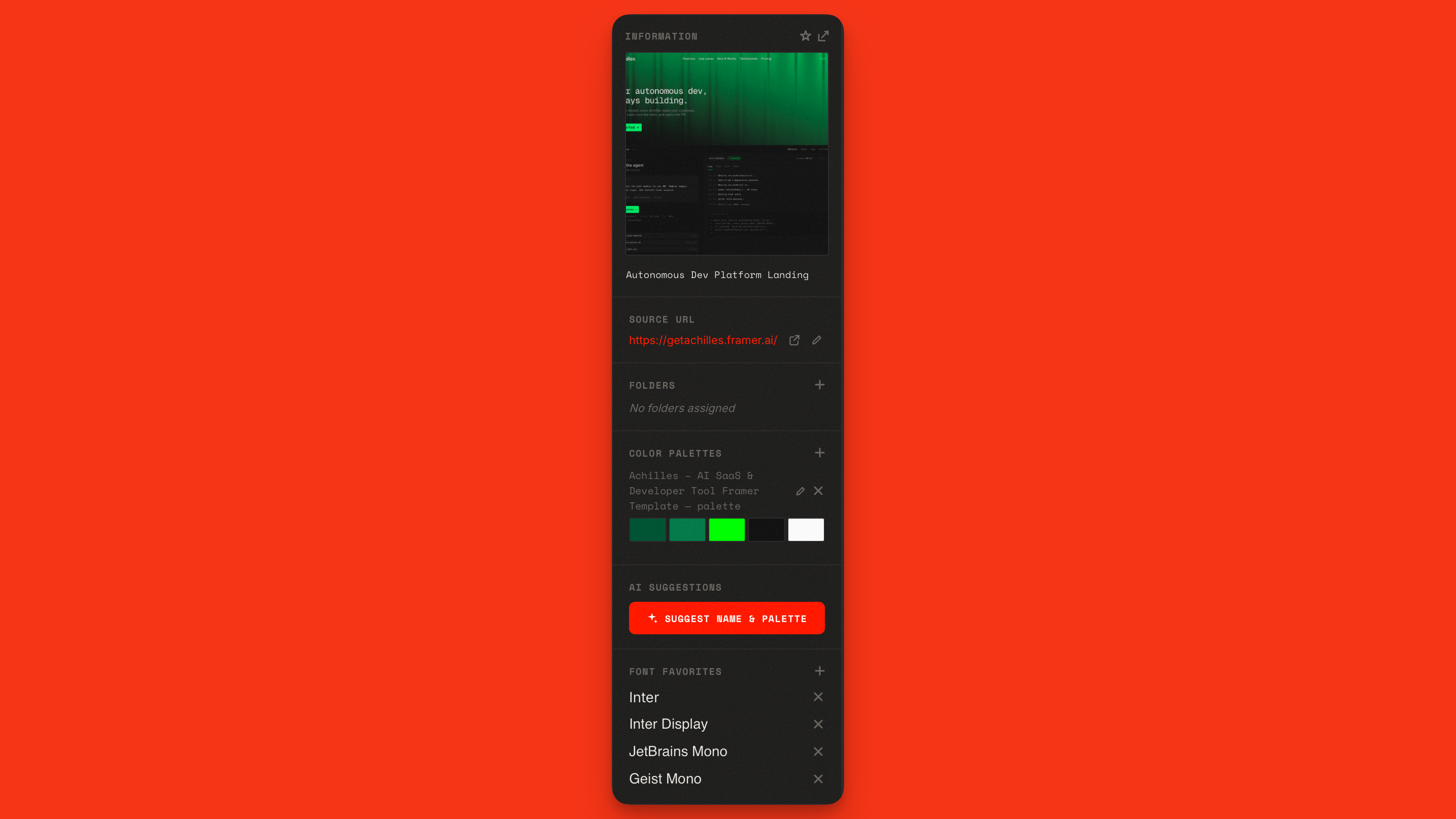
Palettes in Morgue
- Captures arrive with an auto-extracted palette — see Auto-extracted fonts & colors.
- Build or refine palettes by hand in the Palette builder.
- Copy any color as hex with a click or right-click.
- Find assets by color with color search.
Fonts in Morgue
- Captures record the fonts detected on the page.
- Browse and preview your fonts in the Font browser.
- Add your Google Fonts API key to browse the full Google Fonts catalog inside Morgue.
Where they show up
Palettes and fonts appear in the All Assets grid alongside images (filter the grid to Palettes or Fonts), and palette colors are visible right on the cards.