AI features
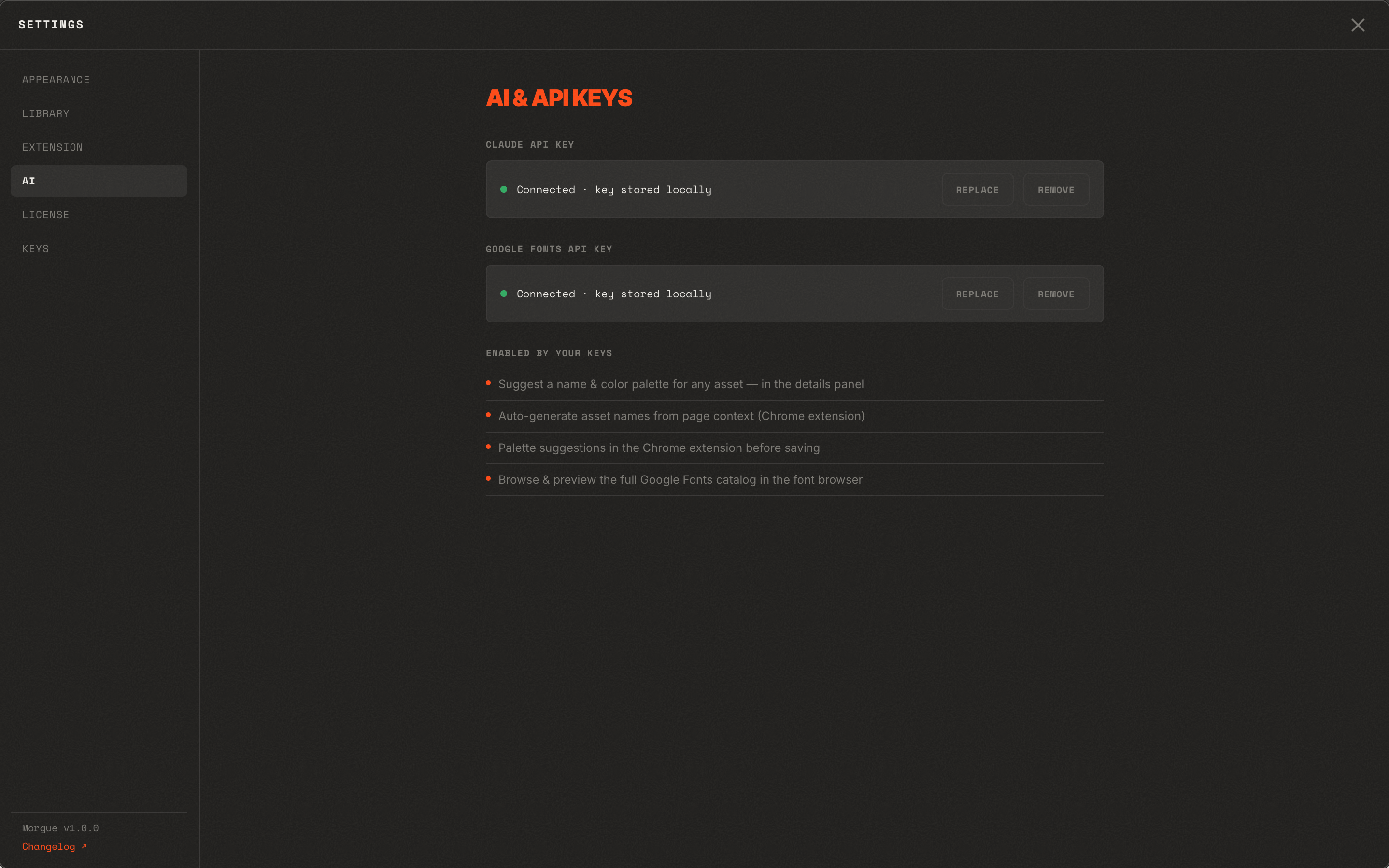
Morgue keeps optional integration keys — like AI configuration and your Google Fonts key — in one place in Settings.
Google Fonts key
Add your own Google Fonts API key to browse the full Google Fonts catalog inside the font browser. The key is yours and is used directly from your machine.
AI configuration
Morgue has opt-in AI assistance powered by your own Claude API key (from console.anthropic.com). Add the key under Settings → AI. Without a key, these features are simply off — Morgue is fully usable without them.
What it does
With a key set, Claude (vision) helps with two things:
- Suggest a name & palette — in an asset's details panel, click Suggest name & palette. Claude looks at the image and proposes a short, descriptive title plus a 5–6 color palette you can apply.
- Auto-name on capture — the Chrome extension can name a capture from the page context as it's saved, and offer a palette before you save.
What it does not do
- Tagging stays manual. Morgue doesn't auto-tag — automatic tagging tended to guess intent and add noise, so tags are always yours to add. (See Tags.)
- Nothing runs automatically in the background and nothing is sent anywhere unless you trigger a suggestion with your key.
Privacy
- Keys you add are stored locally in your Morgue config.
- Morgue is local-first: it doesn't ship your library off your machine. Optional integrations only reach out when you configure and use them, with your keys.
Treat keys like passwords
Anyone with one of your API keys can use it against your account's quota. Keep them private, and revoke/rotate them in the provider's console if one leaks.